Single image to 3D model
Use one object photo to create a first-pass 3D asset for product visuals, prototypes, games, AR, or WebGL experiments.
photo to 3D
image to 3D
AI 3D model generator
Upload one object photo and turn it into a downloadable textured 3D model online. No Blender, CAD, or local GPU required.
Single image input GLB or glTF preview when available Download returned files
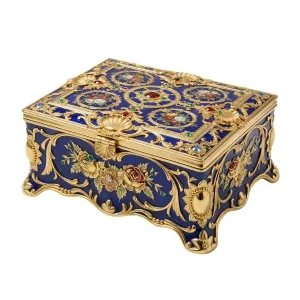
Start with the simplest path: upload one photo, generate online, then preview or download every returned model file.
It covers single-image input, online generation, previewable formats, and the no-software workflow in plain language.
Use one object photo to create a first-pass 3D asset for product visuals, prototypes, games, AR, or WebGL experiments.
Generation runs online, so users do not need local 3D software, desktop rendering, or GPU setup.
When model files are browser-ready, the result panel lets users inspect the asset before downloading it.
The app does not hide the outputs. Every returned model, texture, or supporting file appears as a direct link.
Use clean source photos with readable object shape and texture. That is what gives AI more useful signals.
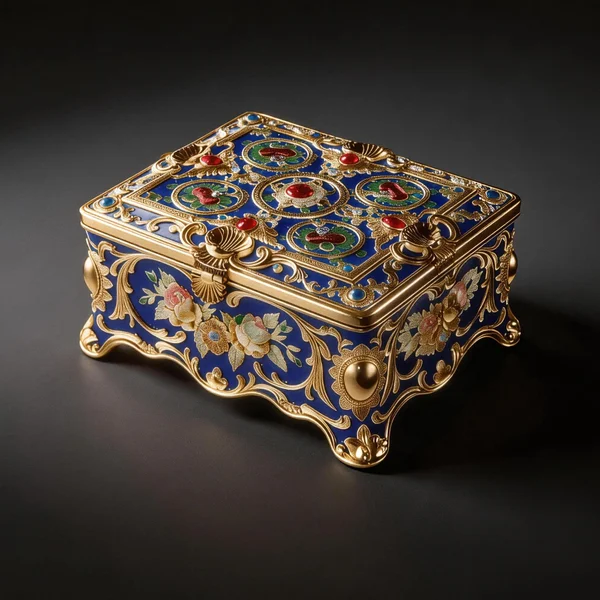
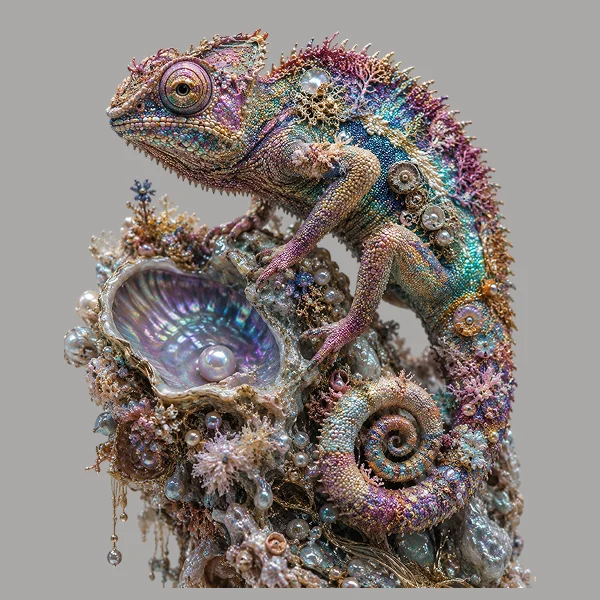
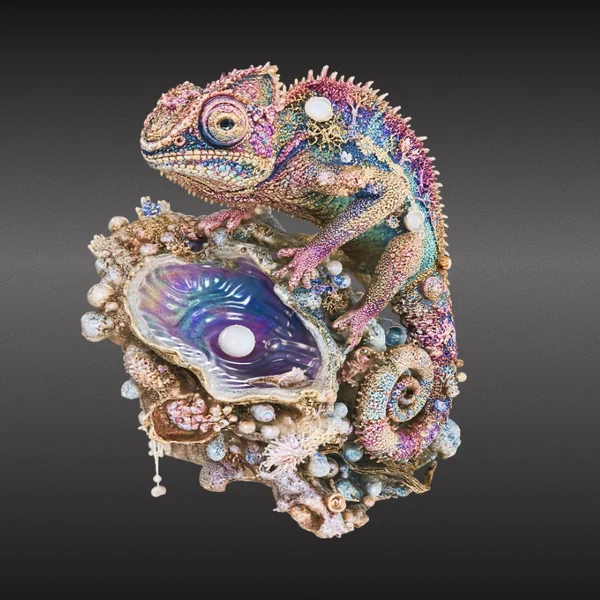
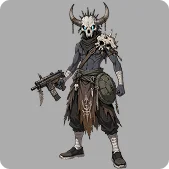
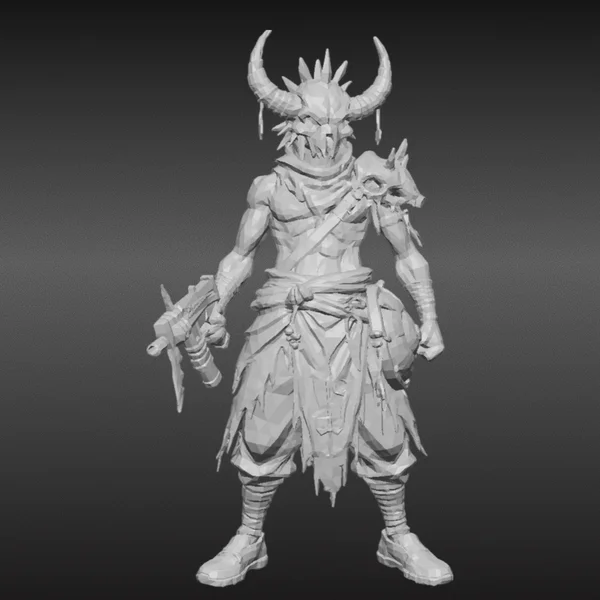
The workflow stays short because the system handles upload validation, AI generation, polling, preview, and download links.
Choose a JPG, PNG, or WebP photo with one clear object and readable edges.
Use the default path first, or open advanced settings for texture, geometry, PBR, and mesh output.
The page starts the AI generation task and keeps the browser focused on upload, status, preview, and downloads.
Inspect GLB or glTF in the browser when available, then open or download every returned file.
A better input photo usually produces a better first model. The best uploads reduce ambiguity before the AI starts.
This is where trust comes from: explain the boundary clearly and help users choose the right method.
Best for fast first-pass assets from a single image: product mockups, concept objects, portfolio visuals, AR tests, and game prototypes.
Best when you can capture many overlapping photos and need reconstruction from real-world geometry. It takes more capture effort.
Use the generator now. Subscription plans are not live yet, so pricing stays simple and honest.
Leave an email for launch updates, creator plan access, batch generation notes, and new output format support.
These answers cover the long-tail questions people ask before trying an AI 3D model generator.
Upload a JPG, PNG, or WebP image, choose generation settings if needed, and start the AI generation task. The page polls the result and shows downloadable model files when ready.
Yes. This tool is designed for single image to 3D model generation. A centered object photo with clean lighting and a simple background usually gives the best first result.
Yes. The browser app uploads your image and starts an AI image-to-3D generation task online.
No. Generation runs online, so you do not need local 3D software or a local GPU.
When the generator returns GLB or glTF output, the page can preview the model in the browser. Other returned files appear as download links.
Use one clear object, a plain background, sharp visible edges, and even lighting. Avoid busy scenes, motion blur, and objects that are partly hidden.
Yes. Photogrammetry usually reconstructs a model from many overlapping photos. This tool focuses on AI single image generation from one object photo.
The beta is limited-time free. Paid creator plans can be added later for higher limits, batch generation, saved history, and more output options.